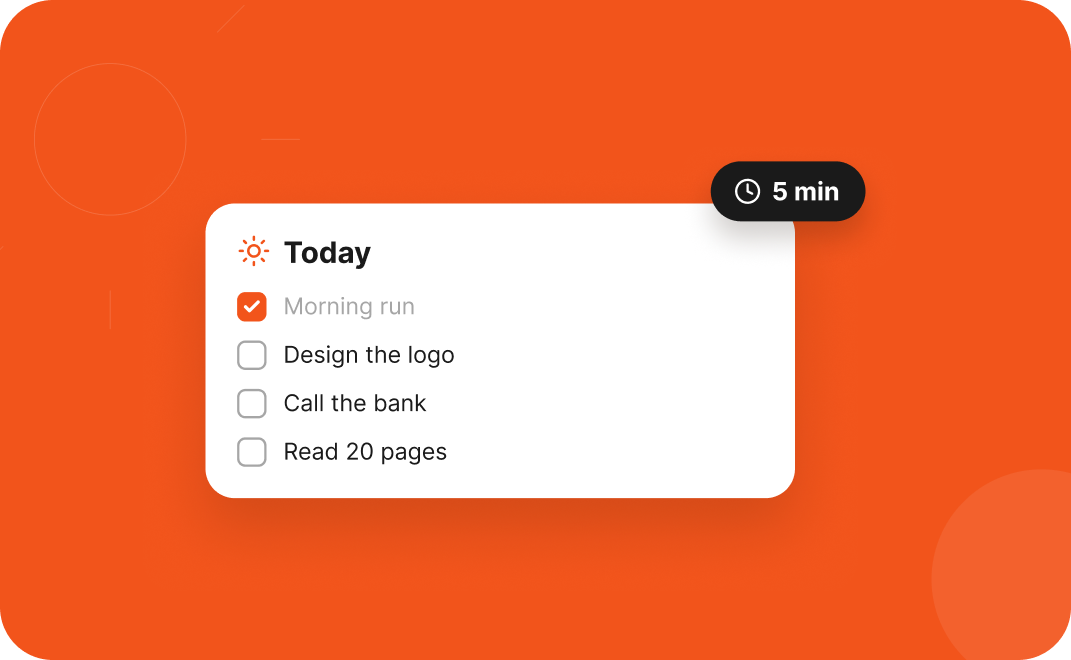
The Today method: plan your day in 5 minutes
A tiny morning routine that turns a messy list into a clear plan.

Two of the most requested features are here.
KKaliki· Founder, deklutr · 2 Nov 2026 · 2 min read
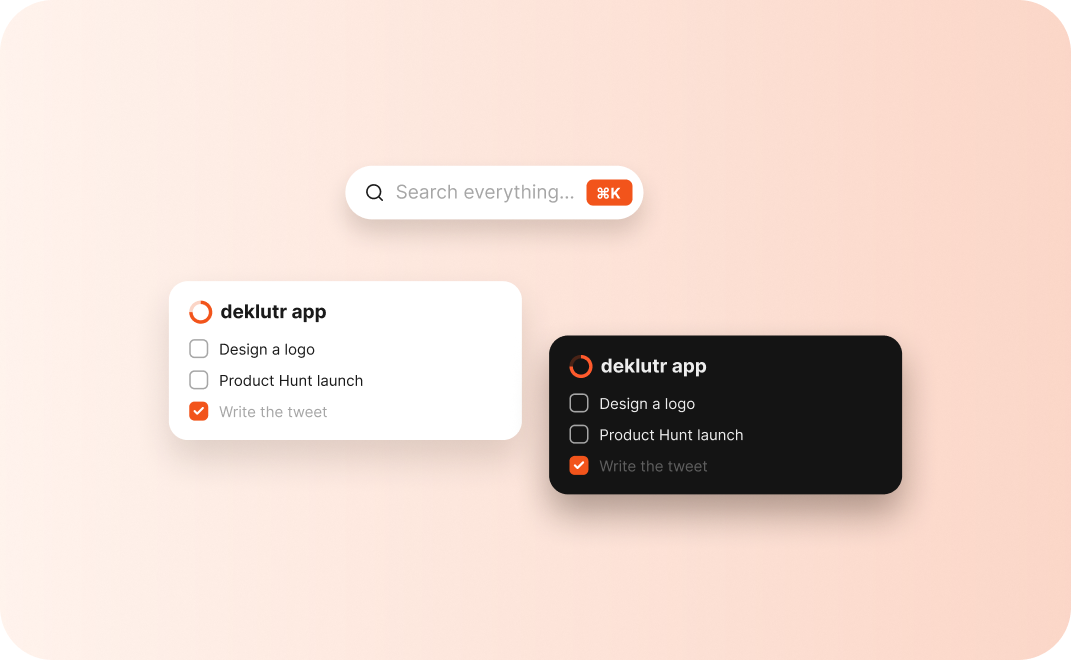
Release v0.9 brings two features you asked for most: dark mode and a fast ⌘K search.
deklutr now follows your system theme, or you can set light or dark yourself in Settings. Colours, progress rings and shadows are tuned for both.
Press ⌘ K to search every task, project and note. Results appear as you type, and you can jump straight to any of them with the keyboard.
A faster start-up on mobile. See the full list in the changelog.
A tiny morning routine that turns a messy list into a clear plan.
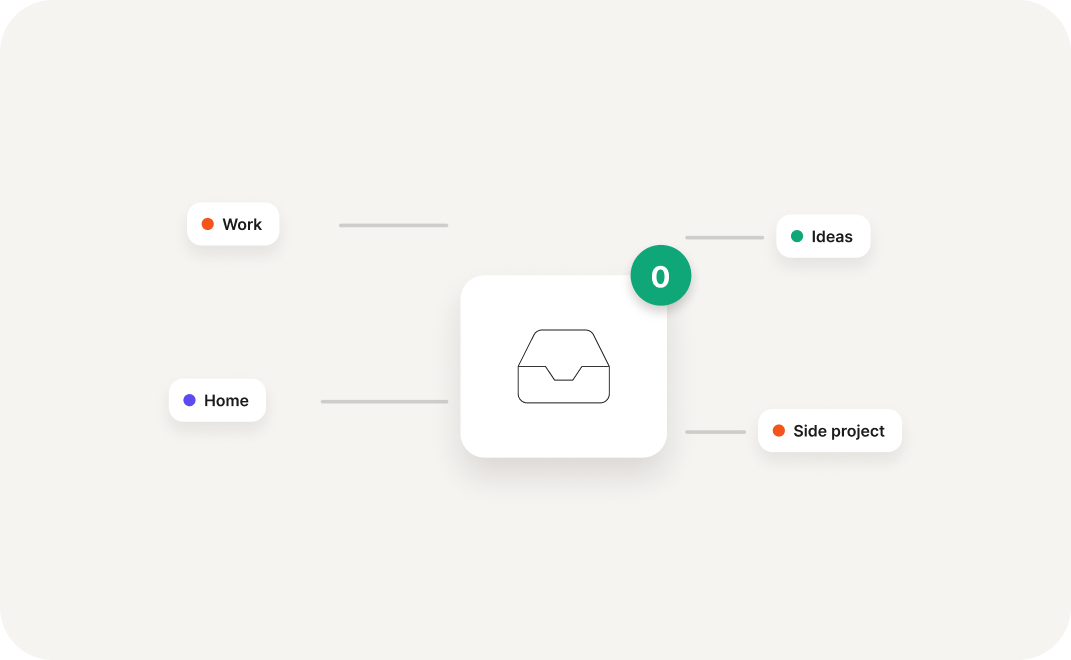
Capture fast, sort later, and stop losing ideas in notes apps.
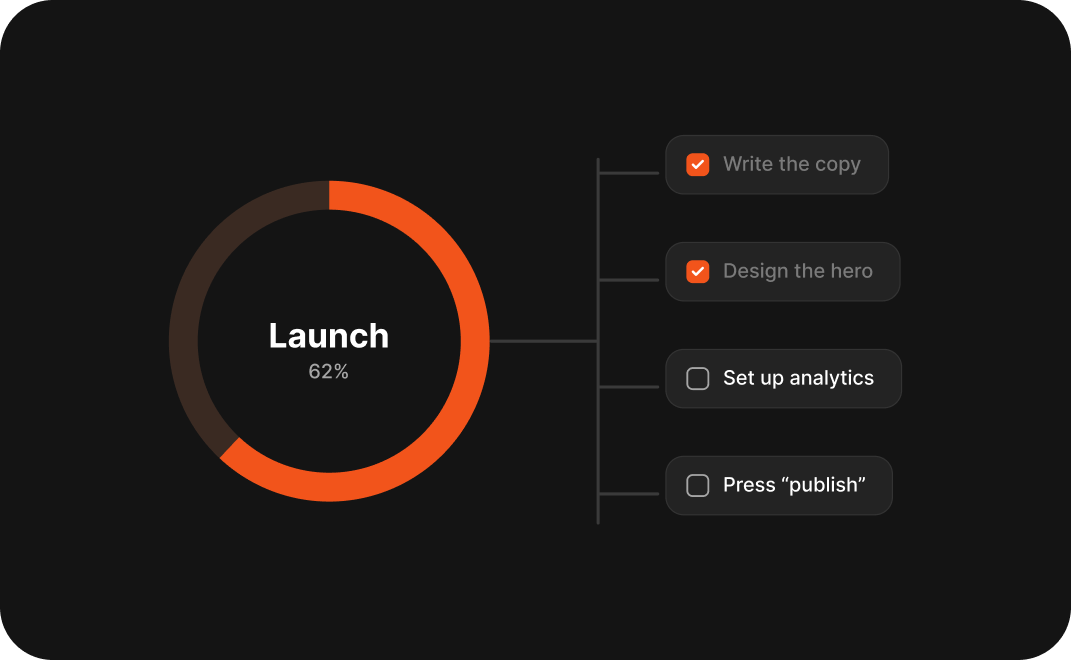
Turn “launch the website” into steps you can finish this week.


Free for personal use. Early users get a year of Pro on us.
Get early access