How to break a big project into small tasks
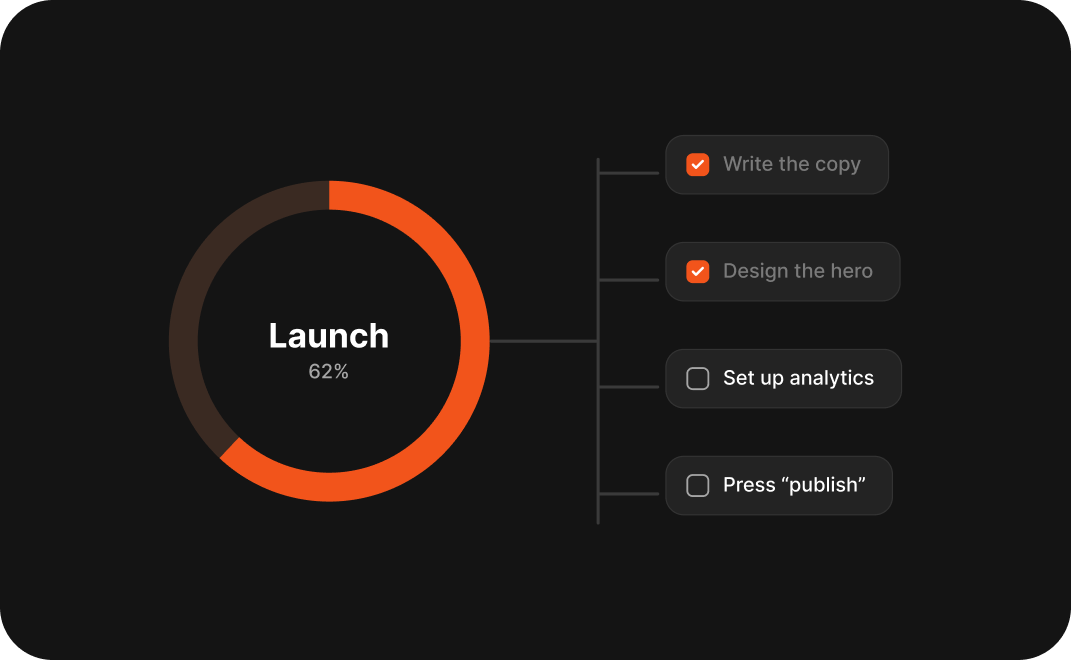
Turn “launch the website” into steps you can finish this week.

Spend less time clicking and more time ticking things off.
KKaliki· Founder, deklutr · 2 Nov 2026 · 3 min read
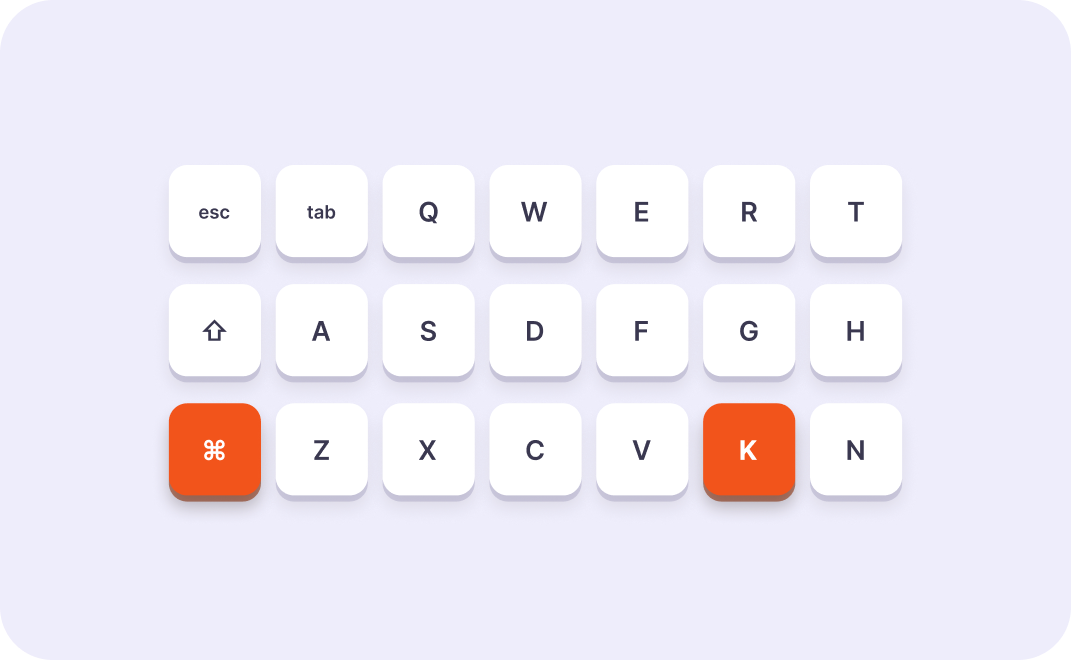
A few shortcuts remove most of the clicking. These are the ones worth learning first.
The two you will use daily.
Jump between your main views without reaching for the mouse.
With a task selected, these keep your hands on the keyboard.
Turn “launch the website” into steps you can finish this week.
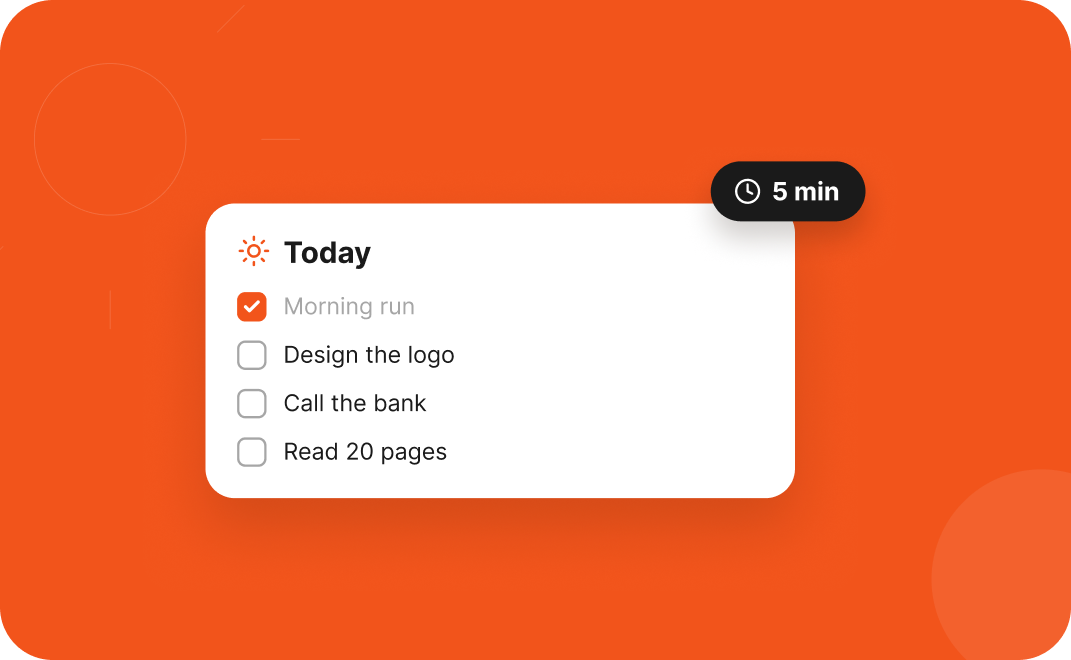
A tiny morning routine that turns a messy list into a clear plan.
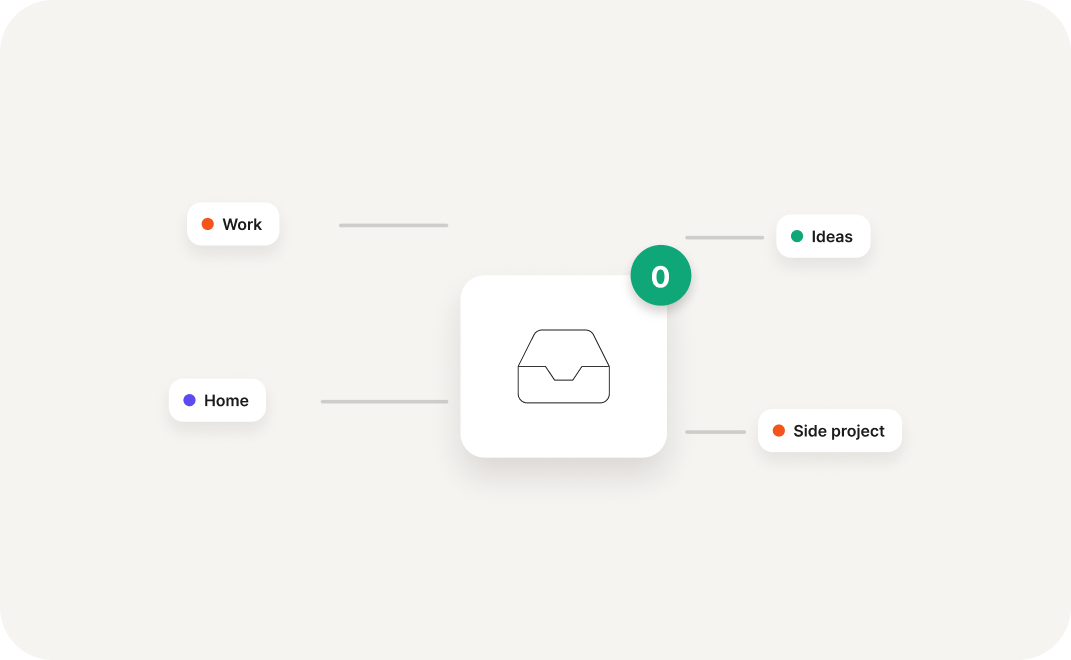
Capture fast, sort later, and stop losing ideas in notes apps.


Free for personal use. Early users get a year of Pro on us.
Get early access